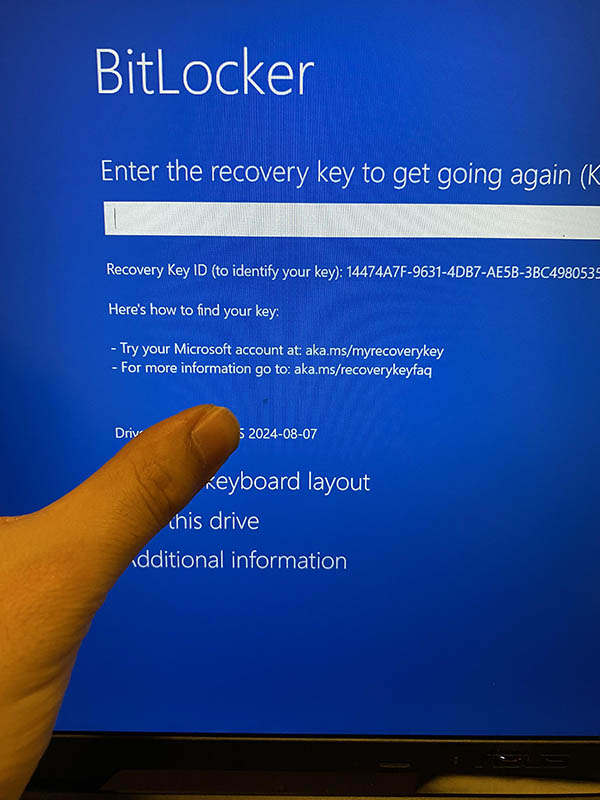
Bitlocker
If you have reach to this article is because your computer or hard drive has a Bitlocker, and we need you help finding the code, please read the entire article.
What is bitlocker? BitLocker is a built-in Windows feature that protects your data by encrypting entire drives. It secures your sensitive files from unauthorized access, ensuring that if your laptop is lost or stolen, your data remains unreadable without the encryption key .
Where to Find Your Recovery Key
- Go to the Microsoft Devices Recovery Key portal from another device by clicking here https://aka.ms/myrecoverykey
- Sign in using the same email you have setup in your computer
- Take a picture of the recovery key and send it to us by text message.
As soon as we receive the picture we will continue working on your device.